How to Properly Set Up a Left-Handed Workstation

By Mike Southpaw · Left-Handed Tool Tester
Published June 22, 2026 · Last reviewed June 22, 2026
How to Properly Set Up a Left-Handed Workstation
Left-handed individuals often face ergonomic challenges in workspaces designed for right-handed users. From awkward mouse placement to poorly positioned tools, these inefficiencies can lead to discomfort and reduced productivity. Setting up a left-handed workstation requires thoughtful adjustments to tools, furniture, and layout. Below, we’ll explore key considerations and product recommendations to create an ergonomic and efficient workspace tailored for left-handers.
Desk and Chair Setup
A proper workstation starts with a desk and chair that support neutral posture. Left-handed users should position their chair to allow their dominant arm to move freely without strain.
- Desk Height: Adjust the desk so your forearms rest parallel to the floor when typing. If using a standing desk, ensure the keyboard and mouse are at elbow height.
- Chair Adjustability: Look for chairs with lumbar support and adjustable armrests to prevent shoulder tension.
- Workspace Orientation: If possible, position the desk so that natural light comes from the right side to reduce shadows when writing.
Left-Handed Keyboard and Mouse
Standard keyboards and mice are often biased toward right-handed users, but left-handed alternatives exist.
Keyboards
- Symmetrical Layouts: Some keyboards have a symmetrical design, making them equally comfortable for left- or right-handed users.
- Detachable Numpads: If you prefer the numpad on the left, look for keyboards with a movable or separate numpad.
- Tenkeyless (TKL) Keyboards: These eliminate the numpad entirely, centering the main keys for better left-hand accessibility.
Mice
- True Left-Handed Mice: These are shaped for left-hand grip, with buttons positioned for left-handed use.
- Ambidextrous Mice: Some mice have symmetrical designs and programmable side buttons for either hand.
- Vertical Mice: These reduce wrist strain and can be found in left-handed models.
Place the mouse on the left side of the keyboard, with enough space to avoid crowding.
Writing and Office Tools
Left-handed writers often smudge ink or struggle with spiral-bound notebooks. Specialized tools can help.
- Left-Handed Notebooks: Look for notebooks with the spiral or binding on the right side.
- Quick-Drying Pens: Gel or ballpoint pens with fast-drying ink prevent smudging.
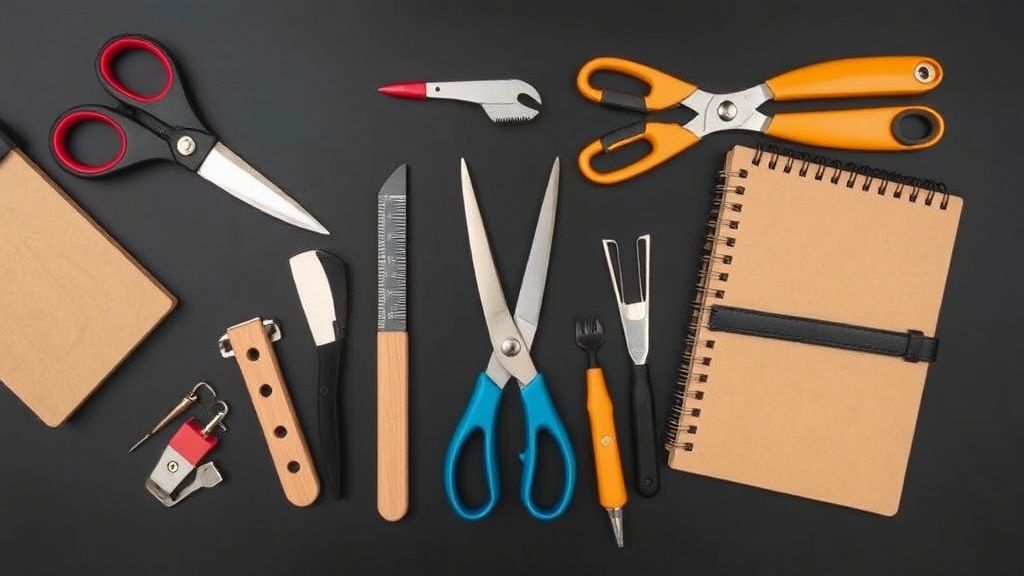
- Left-Handed Scissors: True left-handed scissors have reversed blades for clean cuts.
- Angle-Shaped Rulers: These allow left-handers to see measurements without obstruction.
Monitor and Document Placement
Screen and document positioning can reduce neck strain and improve workflow.
- Monitor Placement: Center the monitor slightly to the right of your midline, allowing your left hand to control the mouse without blocking the screen.
- Document Holders: Place these on the left side of the monitor to avoid constant head turning when referencing papers.
Left-Handed Tools for Specialized Work
Depending on your profession, you may need specialized left-handed tools.
- Art & Design: Left-handed drafting tables, angled sketchbooks, and left-handed graphic tablets.
- Crafting & DIY: Left-handed utility knives, measuring tapes with reversed numbering, and ergonomic screwdrivers.
- Kitchen Workspaces: Left-handed can openers, peelers, and angled cutting boards.
What to Look for in Left-Handed Workstation Products
When selecting tools and furniture for a left-handed workstation, consider:
- Ergonomics: Tools should promote a natural hand position to prevent strain.
- True Left-Handed Design: Avoid “ambidextrous” products that are merely right-handed designs marketed as universal.
- Adjustability: Desks, chairs, and monitor stands should allow customization for optimal comfort.
- Material Quality: Durable, non-slip surfaces and comfortable grips enhance usability.
Final Tips for a Comfortable Workstation
- Take Breaks: Even with ergonomic tools, regular breaks prevent fatigue.
- Experiment with Layout: Small adjustments in tool placement can make a big difference.
- Use Left-Handed Shortcuts: Many software programs allow remapping keyboard shortcuts for left-hand efficiency.
By carefully selecting and arranging tools, left-handed individuals can create a workspace that minimizes strain and maximizes productivity. Investing in proper ergonomics pays off in long-term comfort and efficiency.